
WhatsApp Business in Kenya 2026: Complete Setup, Pricing, and Automation Guide
WhatsApp Business Platform, the 2025 conversation pricing model, Embedded Signup, AI triage, and what setup actually involves for Kenyan businesses.
By Jay Kiharani
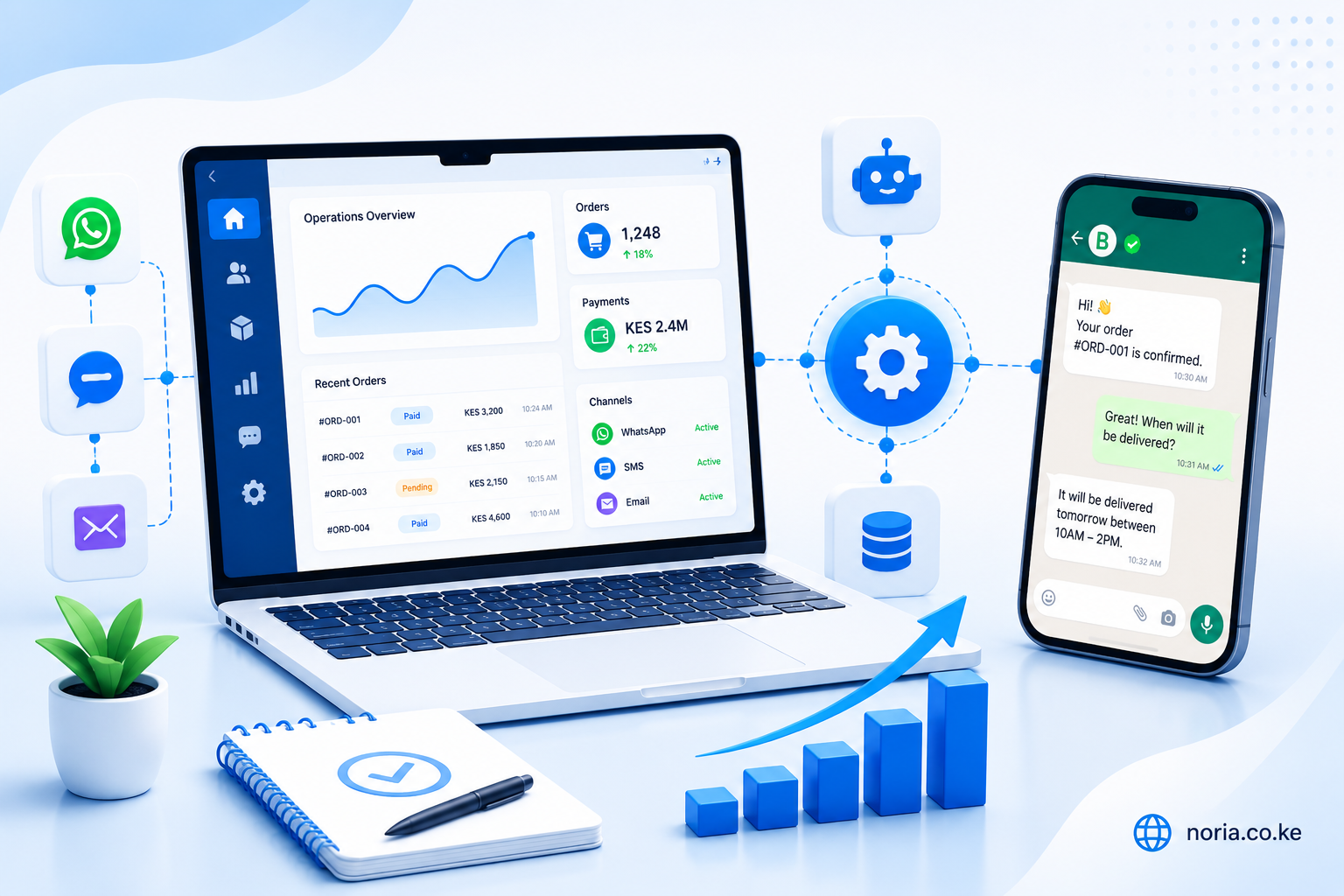
WhatsApp is the default channel for business conversations in Kenya. Customers will WhatsApp you before they email you, and they expect a response in minutes, not hours.
The question most owners ask is: how do we handle this without burning out the team or losing leads to faster competitors?
The honest answer depends on which WhatsApp you mean - and that distinction matters more than most setup guides admit, especially after Meta's 2025 pricing changes.
The three WhatsApps Kenyan businesses use
1. Personal WhatsApp on a business phone
The most common starting point. Someone on the team has a dedicated phone with the business number, and replies as fast as they can.
Strengths: zero setup cost, no monthly fees, customers know it works.
Where it breaks: only one person can respond at a time, no automation, no record of conversations if the phone is lost or the person leaves, and no way to scale beyond a single inbox.
This is fine until you start losing leads because you cannot respond fast enough.
2. WhatsApp Business App
The free downloadable app from Meta, used on a single primary phone with up to 4 linked devices (other phones, web, desktop). Adds catalogues, business profile, quick replies, labels, and greeting messages.
Strengths: free, supports business profile and basic automation like greeting messages, allows the team to access the same number from up to 4 devices.
Where it breaks: still essentially a single conversation stream per number, no programmatic API access, limited integration with other systems, and no real handoff workflow between team members.
Good for businesses with one main person handling messages who needs lightweight organisation. Stops scaling around the time you start needing CRM integration or AI triage.
3. WhatsApp Business Platform (Cloud API)
The proper business-grade WhatsApp, accessed through Meta's Cloud API directly or through a Business Solution Provider (BSP). This is what enables real automation, integrations, AI triage, and multi-team workflows.
Strengths: programmable, integrates with CRMs and internal tools, supports automation and AI triage, allows multiple agents on one number simultaneously, official green-tick verification possible at higher tiers.
Where it breaks: has a learning curve, requires careful setup of templates and opt-in flows, and operates under Meta's per-conversation pricing model (covered in detail below).
This is the option that actually scales - and it is what every "WhatsApp automation" tool sits on top of, whether they tell you that or not.
Meta's 2025 conversation pricing model
This is the single most important thing to understand if you are budgeting for WhatsApp Business Platform. Meta moved from a per-message model to a per-conversation model in mid-2025, and most setup guides still reference the old pricing. The current model has four categories:
Marketing conversations
Promotional messages, offers, abandoned-cart nudges. The most expensive category. Requires explicit opt-in and uses pre-approved templates. Pricing tiered by country - in Kenya, expect a meaningful per-conversation charge.
Utility conversations
Order confirmations, shipping updates, appointment reminders, payment receipts. Materially cheaper than Marketing. Requires templates but is acceptable for transactional touchpoints.
Authentication conversations
OTPs and verification codes. Lowest cost. Optimised for high-volume, low-margin authentication flows.
Service conversations
Replies inside an active customer-initiated 24-hour window. Often free within that window - this is the cheapest way to keep ongoing customer dialogue going.
The 24-hour customer service window
When a customer messages you first, a 24-hour service window opens. Inside that window, you can reply freely without using a template. Outside it, you must use an approved template (Marketing, Utility, or Authentication) and pay the per-conversation rate.
This is why getting customers to message you first matters - and why setting up a "Click to WhatsApp" CTA on your website and Meta ads is the cheapest way to fill your inbox with low-cost-to-engage conversations.
Practical pricing rule
Budget conservatively for Marketing conversations (the expensive kind) and use the 24-hour window aggressively. If your inbound is healthy, Service replies stay nearly free. The teams that overspend on WhatsApp are the ones pushing too much Marketing volume without a corresponding inbound flow.
What setting up the WhatsApp Business Platform actually involves in 2026
Skipping past the marketing pages, here is the honest checklist:
-
A verified Meta Business account - not just a personal Facebook account. Requires your business registration documents (Certificate of Incorporation, KRA PIN).
-
A WhatsApp Business Platform number - either a new number, or your existing business number ported in. Once ported to the Platform, it can no longer be used with the regular WhatsApp Business app or personal WhatsApp.
-
A display name - Meta reviews and approves this. It must match how customers know your business.
-
Embedded Signup or direct Cloud API setup. Meta's Embedded Signup flow (introduced 2024) lets businesses connect WhatsApp via a guided flow without going through a third-party BSP. This is the fastest path for most Kenyan SMBs in 2026.
-
Webhook endpoints - for receiving incoming messages, delivery receipts, and status updates from Meta.
-
Message templates - pre-approved by Meta for any message you send outside the 24-hour customer-initiated window. Templates need approval, usually 24-48 hours, and are categorised (Marketing / Utility / Authentication).
-
Opt-in for marketing messages - Meta enforces this aggressively, and Kenyan Data Protection Act (2019) reinforces it. You need explicit, recorded consent before sending promotional templates. Customers can report spam, and Meta will restrict numbers with high spam reports.
-
Quality rating monitoring - Meta assigns your number a quality rating (Green / Yellow / Red) based on customer feedback and engagement. A low rating limits your daily messaging capacity. Once restricted, recovery is slow.
Setup takes anywhere from a few days (Embedded Signup, straightforward case) to a few weeks (complex verification, BSP onboarding, number porting) depending on how quickly you produce business documents and how clearly the use case is described to Meta.
WhatsApp Pay and the road ahead
WhatsApp Pay has been rolling out across markets through 2024-2026. In Kenya it remains in limited availability as of mid-2026 but is expected to expand. The integration story matters for ecommerce and service businesses because:
- Customers will eventually be able to pay inside WhatsApp without leaving the conversation.
- Integration is via Meta's payment partners, not directly via M-PESA Daraja today.
- Early adopters will get conversion lift; late adopters will see customers ask why they can't pay where they're already chatting.
If you build your ordering and customer service on WhatsApp now, you are positioned to absorb WhatsApp Pay when it lands. If you ignore WhatsApp entirely, you have a steeper migration ahead.
The patterns that actually work in Kenya
We have implemented WhatsApp automation for retailers, schools, restaurants, and service businesses. The patterns that consistently work:
AI triage with clear human handoff
Instead of trying to fully automate every conversation, automate the parts that should not need a human: repeated FAQs, qualification questions, order status lookups, hours and location queries, opening hours, menu lookups. Hand off to a human the moment the conversation needs judgment, expresses frustration, or requests a person.
The hard part is not the AI. The hard part is defining where the handoff should happen, making sure the human gets full conversation context, and monitoring AI responses for quality drift.
Order and appointment confirmations
Pre-approved Utility templates for "your order is confirmed", "your booking is for Saturday at 10am", "your fee balance is KES X". These are reliable, cheap (Utility category), and the kind of touchpoint customers genuinely appreciate.
Lead capture from your website with context preservation
A WhatsApp button on every page is now standard for Kenyan businesses, but most stop there. The better pattern is: capture the visitor's context (which page they were on, what they were looking at, any form data already entered), pass it into the WhatsApp conversation, and let the agent or AI continue with that context. Otherwise the agent starts every conversation with "how can I help?" and the visitor has to repeat themselves - which is the same friction they were trying to avoid.
Bulk messaging done responsibly
If you are sending the same message to a customer list, do it through approved Marketing templates with clear opt-out language, and respect opt-outs immediately. Meta will throttle and eventually block numbers that customers report as spam, and once your number is quality-restricted, recovery takes weeks.
Multilingual handling for Kenya
Some customer segments - older buyers, rural markets, certain industries - engage better in Swahili or mixed Sheng/English. AI triage can handle this in 2026 with the right prompts and language detection. If you ignore it, you leave conversations on the table.
Common mistakes Kenyan businesses make
- Treating Business App as production-grade. It is fine for small teams. It is not fine for businesses doing 50+ conversations a day.
- Spending heavily on Marketing without inbound flow. Marketing conversations are expensive. If your only volume is outbound promotional, your unit economics will hurt.
- No opt-in records. Customers report your number as spam, your quality rating drops, your throughput is capped, and recovery takes weeks.
- AI bot with no handoff. Customers smell a bot within two messages. Without clear escalation to a human, they leave frustrated and post on social media.
- No analytics. Without measuring first-response time, qualified-handoff rate, conversation cost, and customer satisfaction - you cannot improve any of these.
What we recommend for most Kenyan businesses
If you are doing more than ~20 WhatsApp conversations a day and the team is feeling it:
- Move to the WhatsApp Business Platform via Embedded Signup. The Cloud API path is reasonable now - you do not need a third-party BSP unless you want extra tooling or your use case is unusual.
- Start with templates and FAQ automation. Quick wins, low risk, immediate cost savings on Service conversations.
- Add AI triage only after you understand your conversation patterns. Three months of real conversation data is more useful than any out-of-the-box bot.
- Build for handoff from day one. AI handles the boring parts, humans handle the decisions. Make the boundary explicit and monitored.
- Measure obsessively. First-response time, qualified-handoff rate, conversation cost by category, customer satisfaction. If you cannot see it, you cannot improve it.
Need WhatsApp + AI done right?
Our WhatsApp + AI Triage System flagship build is a 4-6 week implementation: Embedded Signup, AI triage with evals and guardrails, confidence-based human handoff, CRM sync, and Meta template approval. Built for businesses doing serious WhatsApp volume.
When to call us
If you are already on the Platform and the implementation feels brittle, we audit existing WhatsApp setups and recommend the smallest set of changes that would meaningfully improve them. Often it is not "rebuild" - it is "fix the three things that are quietly breaking".
If you are starting from scratch, we will tell you honestly which path fits - Embedded Signup direct, BSP-mediated, or staying on Business App for now. There is no one right answer; there is a right answer for your situation.
Book a planning call and we will walk you through it.