

Why Most Kenyan E-commerce Checkouts Lose Half Their Customers
M-PESA STK delays, mandatory account creation, missing guest checkout, broken mobile UX, and the friction that turns a hot WhatsApp lead into an abandoned cart.
By Jay Kiharani
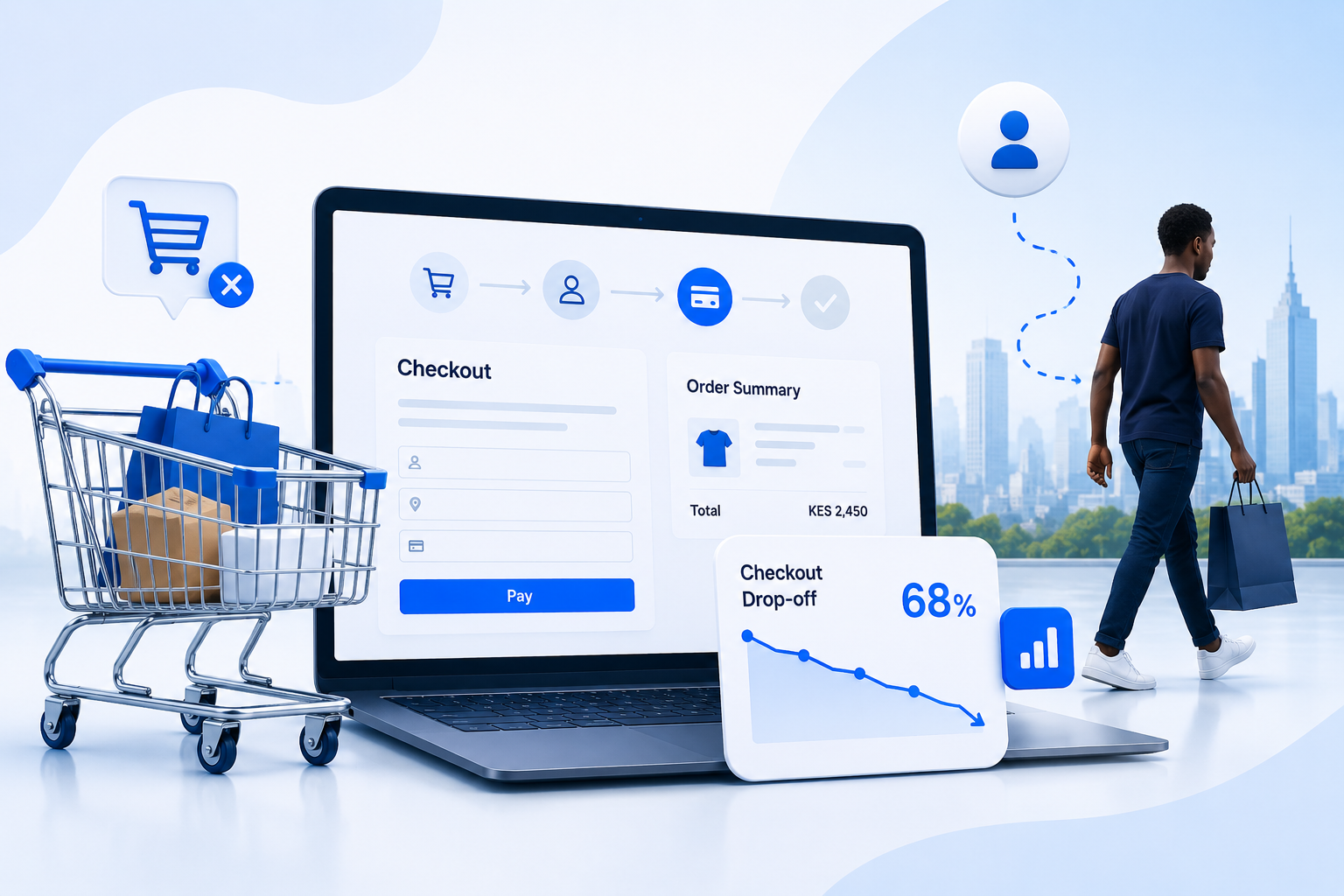
You have done the hard part. The customer found your shop, browsed, picked an item, and clicked checkout. Then they vanished.
If you look at the analytics for most Kenyan online shops, between 50% and 75% of customers who reach the checkout page never complete the order. That is not "the market". That is friction your team has the power to remove.
This post is what we tell retail clients during their first conversion audit. The failures are remarkably consistent across stores - the same five issues, in roughly the same order, costing real revenue every day.
How we know it is half
Across the retail storefronts we have rebuilt, the pattern is consistent:
- Before the rebuild: checkout-completion rates between 25% and 50%. The owner usually believes it is closer to 70%.
- After the rebuild: 65% to 80%. The same traffic, the same products, the same prices. Only the friction is different.
The lost half is not picky shoppers comparing prices. It is hot leads who decided to buy, started the process, and got blocked by something the team could have fixed.
The five things that block them, in order of impact:
1. M-PESA STK Push delays with no fallback
The most common single failure. Customer clicks "Pay with M-PESA". Your system fires the STK push request. Nothing happens on the phone for 8, 15, 30 seconds. The customer thinks the site is broken. They close the tab.
What is actually happening: Safaricom's STK delivery is fast most days but unpredictable some days. During school terms, payday, or major shopping events, delivery latency climbs. Your checkout page is a spinner the customer cannot diagnose.
What clean checkouts do:
- Show clear status. "Sending the M-PESA prompt to 0712 345 678..." is information; a spinning circle is not.
- Offer to resend. After ~30 seconds with no STK arrival, surface a "Resend prompt" button. Customers who genuinely want to pay will try again.
- Give an out. "Phone not getting the prompt? Pay by Paybill instead: 123456, account ORDER-2025." A backup path keeps the order alive when STK is misbehaving.
- Confirm completion both ways. A successful STK on the phone should also confirm in the browser within a couple of seconds. This is where the webhook plus polling pattern earns its keep.
A checkout that handles STK delays gracefully recovers a single-digit percentage of orders that would otherwise be lost. At any meaningful volume that is more than enough to justify the build.
2. Mandatory account creation
The customer is on a phone, ready to pay, with their card details memorised or M-PESA PIN at the ready. Your checkout asks them to create an account first - email, password, password confirmation, "I agree to terms", verify the email, return to the cart, log in again, then pay.
You have just inserted six screens between intent and payment. Half the customers will not come back from the email confirmation step. The other half will use a throwaway password they will never remember, then bounce when "forgot password" emails go to spam.
The fix is guest checkout. Capture the absolute minimum information needed to ship the order: name, phone, delivery address. After the order is placed, then offer "create an account to track your orders". Most customers will. The ones who do not still placed the order, which is what you wanted.
The only legitimate reason to require an account before payment is a B2B context with credit terms - and even then, the account creation belongs in a separate onboarding flow, not the checkout.
3. Mobile UX that was built for desktop
Over 80% of Kenyan e-commerce traffic is on phones. Most checkouts are built and tested on a desktop browser at 1440px wide, where everything looks fine. On a 360px Android Chrome browser, the same checkout has:
- Form fields that overflow off the screen, so the customer types blind.
- A keyboard that covers the "Pay now" button, so the customer scrolls up and down looking for it.
- Phone number inputs that are not configured for numeric entry, so the keyboard shows letters by default.
- A "place order" button that is the same colour as the surrounding chrome.
- Country/county dropdowns with 47 options that the customer has to scroll through to find Nairobi.
None of these are exotic problems. They are the standard form-and-button defaults you get if you do not specifically build for mobile. Most off-the-shelf themes get them wrong.
What clean mobile checkout does:
- One column. No side-by-side fields. Stack everything vertically.
- Numeric inputs for numbers.
inputmode="numeric"for phone, amount, postcode. - Smart defaults. Default the county to Nairobi. Default the delivery slot to "next available". Default the currency to KES.
- A primary CTA that is impossible to miss. Bold colour, full width, persistent at the bottom of the screen.
- Reduce taps to pay. Every tap is an opportunity for the customer to second-guess the purchase.
Tap-count is a real metric. If your checkout requires more than four taps from "Add to cart" to "Paid", you are losing customers who are technically willing to buy.
4. No order confirmation feedback
The customer pays. The STK completes. The phone shows "Confirmed. Ksh 2,500 sent to ACME LTD." And then... silence from the website.
For 10, 20, 60 seconds, the checkout page shows the same spinner it has shown since they pressed pay. The customer assumes the payment failed. They refresh the page. The cart is empty, the order is gone. They WhatsApp you angrily.
This is the most preventable failure on the list and the one we see most often.
The fix sequence:
- The browser holds the customer on a "Confirming your payment..." screen with clear, friendly status text.
- The browser polls your order status endpoint every couple of seconds.
- The moment your server-side state changes to "paid" - whether via callback or your polling job - the order page renders with the M-PESA receipt number, delivery details, and clear next steps.
- The customer gets a confirmation SMS or WhatsApp within seconds, regardless of what their browser is doing.
The SMS or WhatsApp confirmation is the safety net. Even if the customer closes the tab thinking it failed, the message proves the order is real and gives them a way back into your system.
5. The cart that lies about availability
The customer adds a product to cart on Monday. They come back Wednesday to complete the purchase. The product was sold out on Tuesday. Your cart still shows it as available, still allows them to enter payment, and only fails at the very last step with "sorry, out of stock" - after the M-PESA STK has already deducted the money.
You now have a customer who paid you for something that does not exist, expects a refund, and is furious about the experience. The refund takes 24-48 hours to process, the customer leaves a review, and you have lost a buyer for life over a product that should have stopped being purchasable at the moment it sold out.
What clean inventory handling does:
- Reserve stock on add-to-cart, not on payment. With a short reservation window (10-30 minutes) so abandoned carts release stock.
- Recheck availability at checkout entry, not just at checkout completion. If the product is gone, surface that clearly with an option to swap to a similar item, before the customer enters payment details.
- Never accept payment for a product that cannot be fulfilled. If you cannot reserve it, do not let the payment proceed. The "we sold it twice" problem is far worse than "we made you wait 30 seconds longer to pay".
This pattern requires real inventory tracking, not just a "quantity" field in the product table. For shops above a certain volume, that is the difference between professional commerce and reputational damage.
What a clean Kenyan checkout looks like
If you string together the fixes above, the checkout you end up with has these properties:
- Three screens, maximum. Cart, delivery + payment, confirmation. Nothing more.
- Guest checkout default. Account creation is offered after payment, not required before.
- Mobile-first form. One column, numeric inputs, sticky CTA, no overflow.
- M-PESA STK with fallback. Resend button after 30 seconds, Paybill option at all times.
- Live order status. "Confirming your payment" with progress text, then a clear confirmation screen.
- SMS or WhatsApp receipt within 60 seconds of payment.
- Real inventory. Stock is reserved on add-to-cart, rechecked at checkout, never overcommitted.
- Visible support path. "Having trouble? WhatsApp us on 0712..." at the bottom of every checkout screen.
A retailer who ships all of this rather than just some of it will see meaningful conversion gains within weeks of launch.
What you should not do
Do not optimise the homepage before fixing the checkout. The homepage decides whether they click. The checkout decides whether they pay. The leverage is at the checkout, every time.
The order of operations
If you can only fix one thing this quarter, fix the M-PESA STK confirmation flow. The webhook-plus-polling pattern combined with clear in-browser status text is the single biggest conversion lever on most Kenyan storefronts. It rescues orders that were already paid but felt failed, and it gives the customer the confidence that the next purchase will also work.
If you can fix two things, add guest checkout and a sticky mobile primary CTA. Both are usually a few days of work and shift the curve more than any homepage redesign will.
If you can fix three things, layer in real inventory reservations. By this point you are not running a storefront anymore - you are running a retail operation.
How we think about this work
We do not start every retail engagement with a redesign. We start with a recording-based audit: ten customers, ten attempted checkouts, where exactly they hesitate or quit. Then we line up the fixes by impact and ship the top three. The rest waits until the data tells us it is the next bottleneck.
This is the difference between rebuilding a website and rebuilding a sales funnel. The former takes months and produces hope. The latter takes weeks and produces revenue.
Need a checkout that actually converts?
Our storefront builds are designed for Kenyan retail traffic from the first commit - mobile-first, M-PESA-native, with the checkout patterns above baked in rather than bolted on. We also run improvement sprints for existing storefronts that need conversion work without a full rebuild.
When to call us
If you are running an existing storefront and suspect your checkout is leaking, we run a conversion audit call where we walk through your live checkout, identify the specific friction points, and tell you honestly which fixes are worth doing first.
We have rebuilt checkouts that went from 30% completion to 70%. We have shipped storefronts for Kenyan retailers, marketplaces, and direct-to-consumer brands that handle real M-PESA volume without falling over. And we have helped owners stop blaming "the market" and start fixing the funnel.
If that sounds useful, book a call. We will be straight with you about what to do.